Why your phone doesn’t show battery health
Android has no standard battery-health screen, and most manufacturers do not add one. Skins such as Oppo’s ColorOS and OnePlus’ OxygenOS tend to expose the raw numbers without ever turning them into a health percentage. Some builds and some models do include a reading somewhere, but unless yours is one of them the usual ways to find out are a service centre or guesswork.
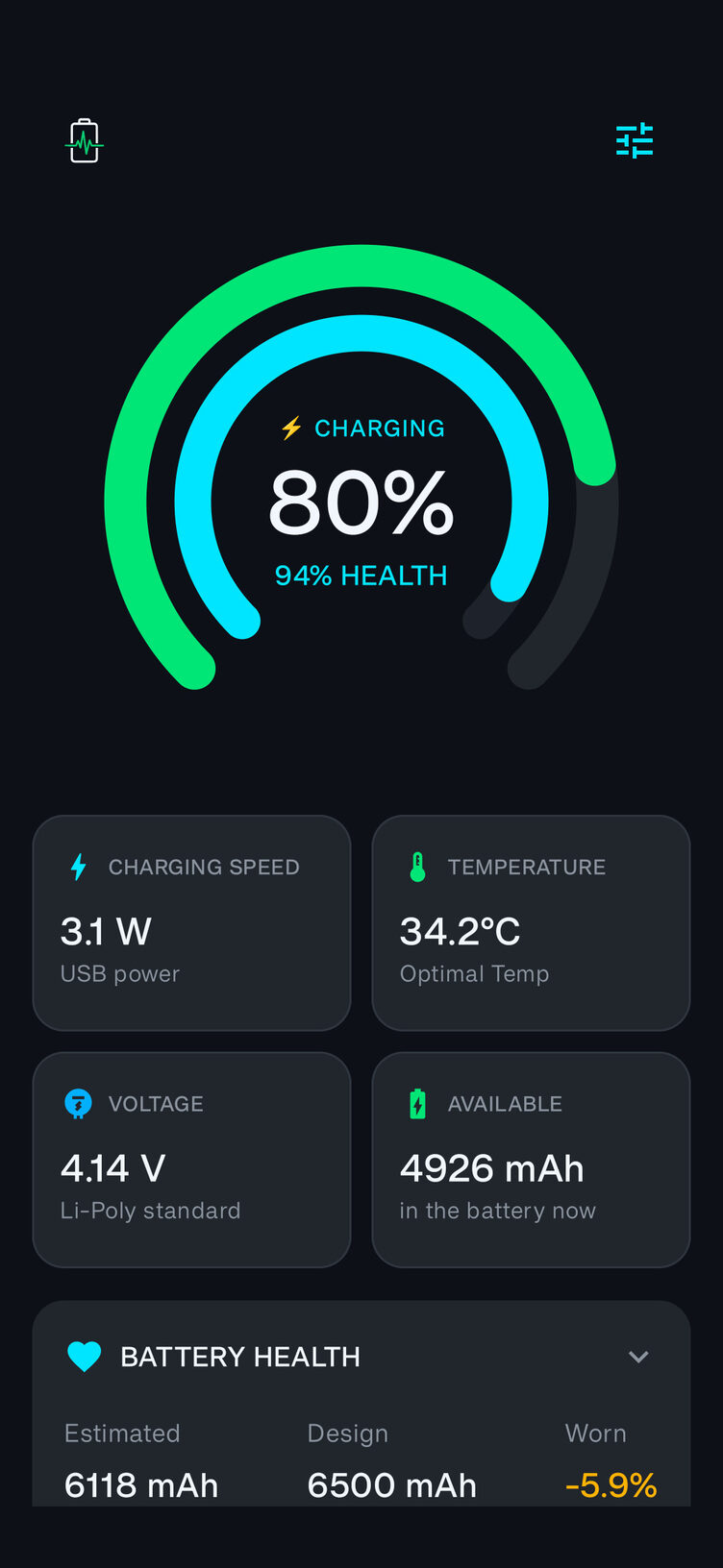
Volt reads those raw numbers. Your phone tracks how much charge is actually in the battery, in mAh, and it separately knows the level as a percentage. Watch how those two move against each other over a big enough swing and the battery’s true full capacity falls out of the arithmetic. Compare that against the capacity it shipped with and you have its health.
Measured, not guessed
Volt does not invent a figure. It watches real charging and discharging, and until it has enough evidence it tells you it is still measuring rather than showing a confident 100%. If your phone does not report the charge counter Volt needs, it says so plainly, because a dash beats a wrong answer.
You can open the measurement log and see every reading that fed the number, so you can check it rather than trust it.
No calibration ritual
Volt never asks you to run the battery flat and charge it to full before it will tell you anything. It measures from the swings you already have: a drop from 80% to 40% is plenty, and it reads a discharge just as well as a charge.
That matters if you look after your battery. Keeping it between roughly 20% and 80% is the single best thing you can do for its lifespan, and Volt is built to measure batteries that are treated that way instead of asking you to stop.
Five home-screen widgets
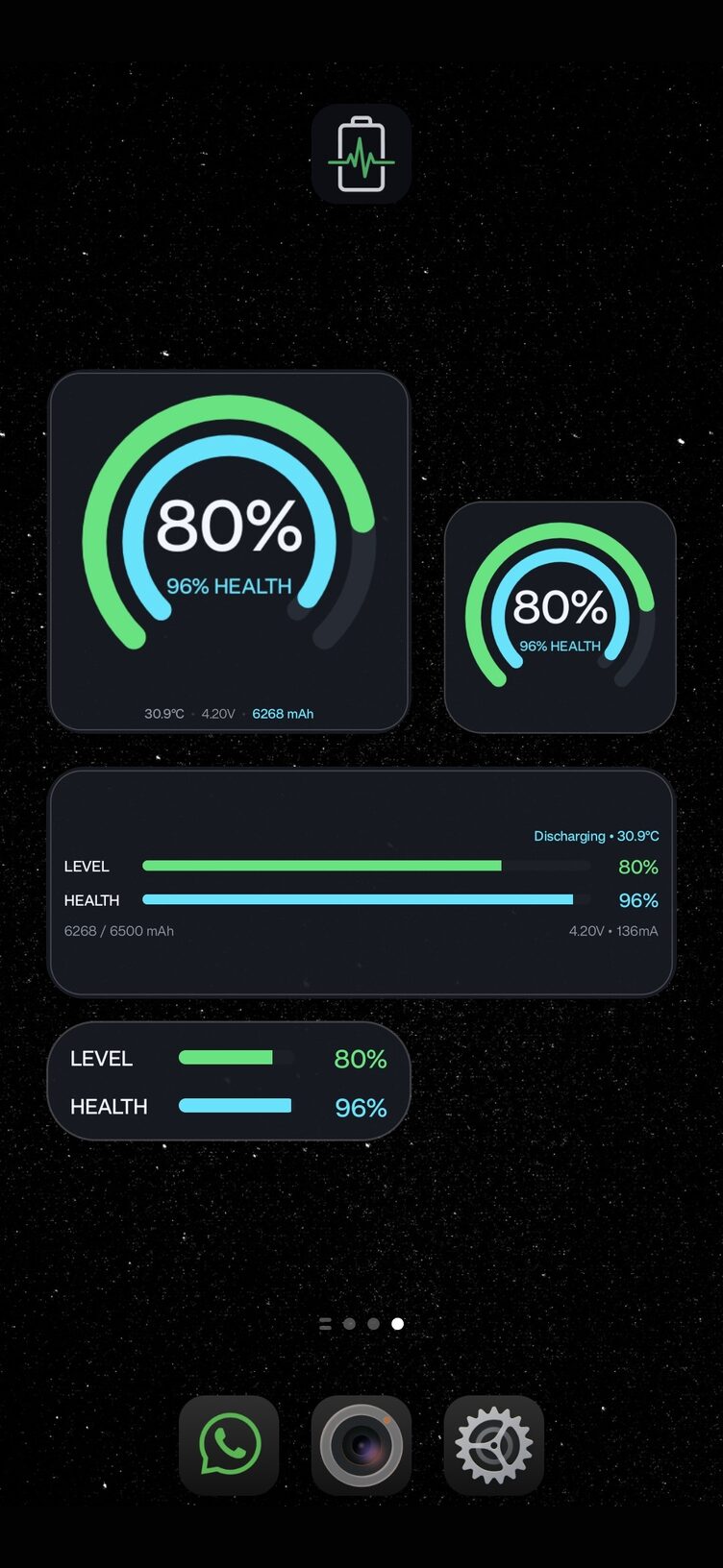
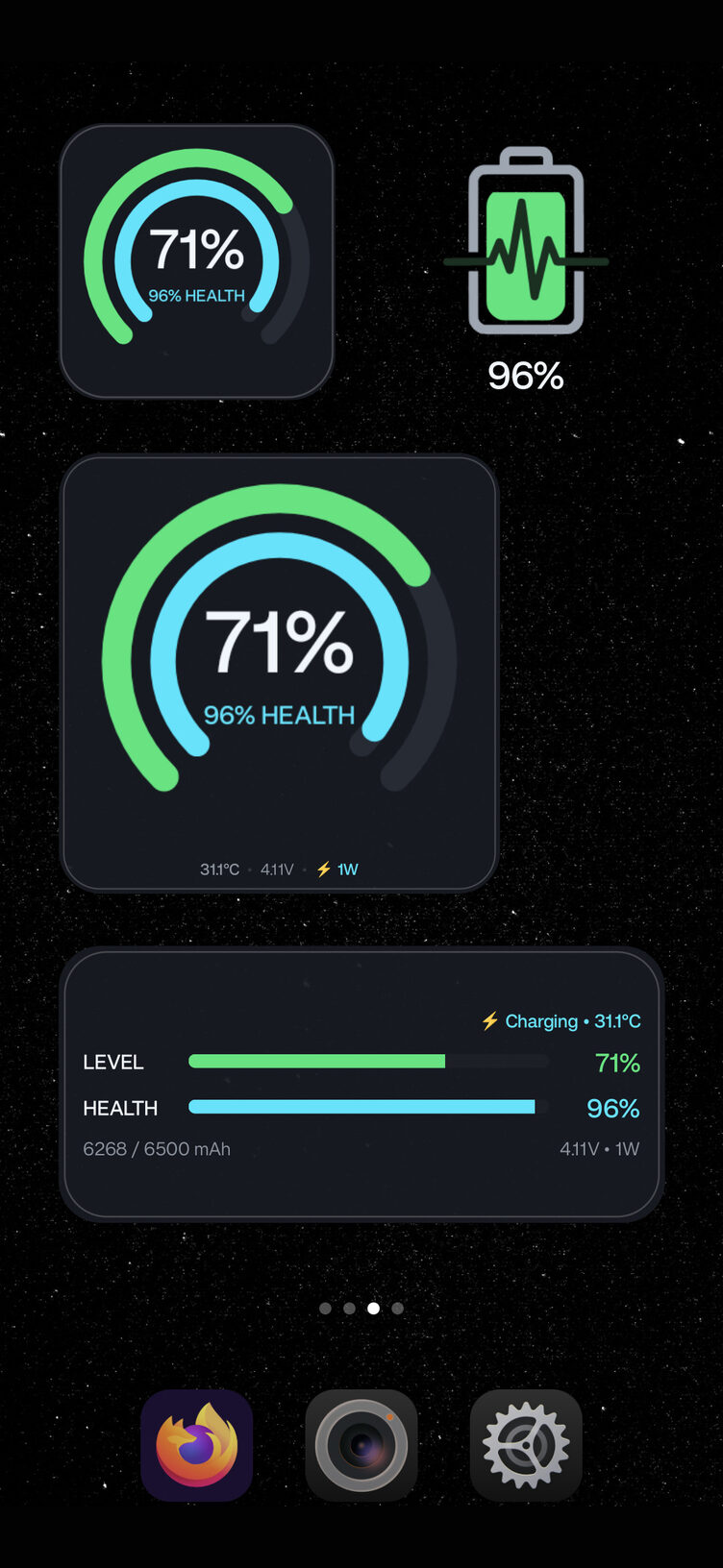
- Two dual-ring gauges, 3×3 and 2×2, showing charge level and health as separate arcs
- Two bar layouts, 4×2 and 3×1, for a row of your home screen
- A single-cell mark that fills up to your health reading
They refresh on the schedule Android allows a background app, and more often while charging. They are not second-by-second: an always-on battery monitor would cost you more battery than it could ever save you, so Volt does not run one.
Free, and what costs
The app is free and the battery health reading is free forever. You can watch the figure appear over a charge, open the measurement log and check every reading behind it, without paying anything.
The five home-screen widgets are a one-off £2.99. Not a subscription, and nothing expires. That order is deliberate: you get to satisfy yourself the number is real before deciding whether it is worth putting on your home screen.
No ads, no trackers, no accounts
Volt collects nothing. There are no ads, no analytics and no sign-in, and everything it measures stays on your phone. The only server it ever contacts is Google Play, and only to check a purchase. You can read the full privacy policy.
Questions
Will Volt work on my phone?
It needs your phone to report a charge counter, which most handsets running Android 8.0 or later do, including Oppo, OnePlus, Realme, Samsung, Xiaomi and Pixel. Volt tells you straight away whether yours does; if it does not, it says so rather than showing a made-up figure. The app is free, so finding out costs nothing.
How long before Volt shows a health percentage?
As soon as it has watched the charge level move about 15% in one direction, which is often part-way through your first charge, or over a normal afternoon’s discharge. Give it a few days of ordinary use and the figure settles, because wider swings measure more accurately and Volt weights them accordingly.
Do I need to drain the battery flat first?
No. Volt measures from the charge swings you already have, in either direction, and never asks you to run a calibration cycle.
Is 90% battery health bad?
No. Lithium-ion cells lose capacity from the day they are made, and a phone in the high 80s or 90s after a year of normal use is doing fine. Volt shows the percentage alongside a grade so you can see where yours falls, and keeps the measurement log so you can watch the trend rather than react to a single reading.
Does Volt drain my battery?
It runs no always-on service and holds no wake locks. It takes a reading when Android wakes it, roughly every 15 minutes, and a little more often while you are charging.